Video Tutorials
 3:49
3:49
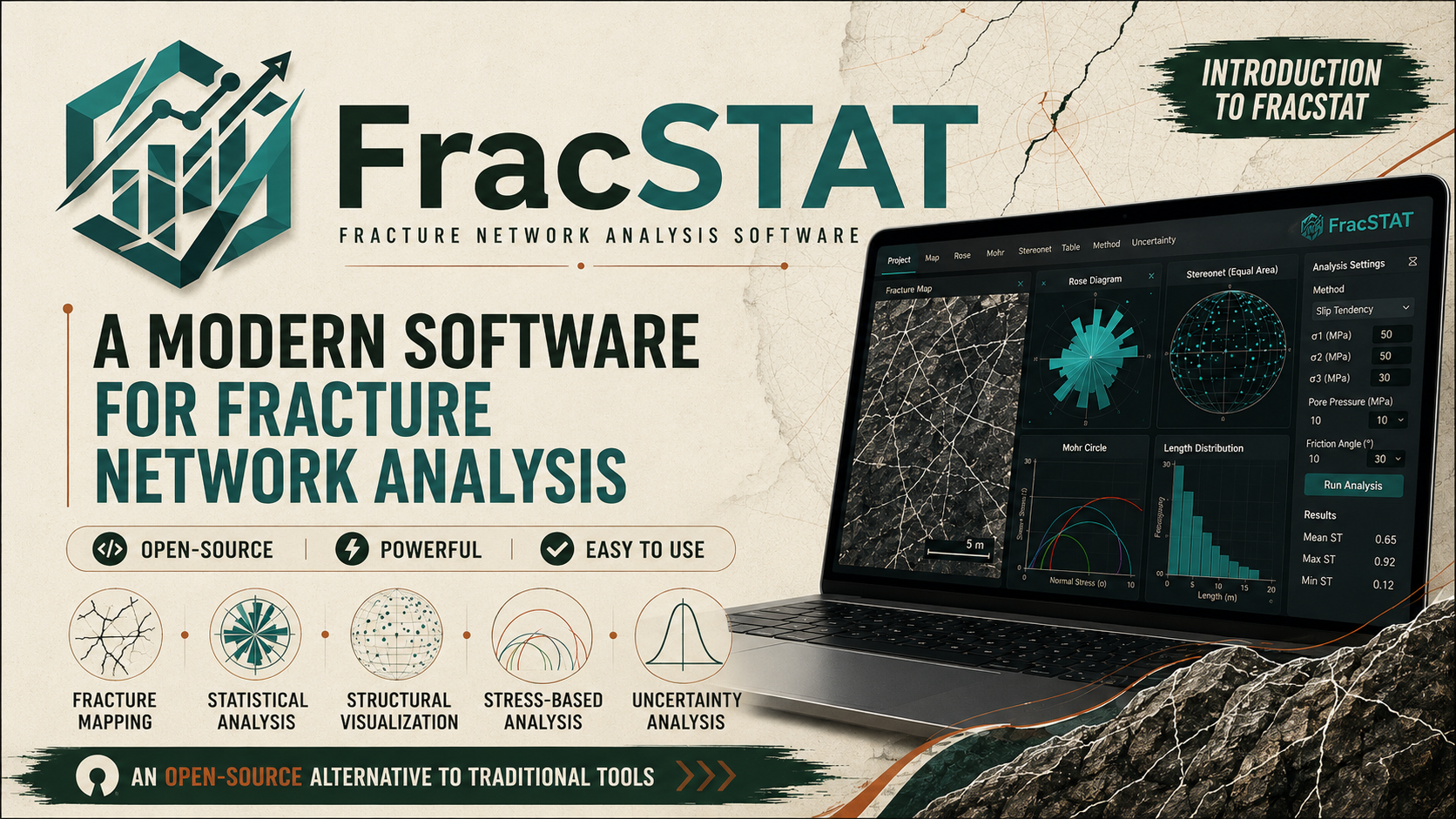
FracSTAT: A Modern Software for Fracture Network Analysis
FracSTAT is an open-source, Python-based software designed for the analysis and characterization of fracture networks. It provides an integrated environment for fracture mapping, statistical analysis, structural visualization, stress-based analysis, and uncertainty assessment.
 2:03
2:03
How To Install FracSTAT
In this video, I show the complete step-by-step process of installing FracSTAT on Windows, Linux, and macOS, from downloading the software to completing the installation and successfully launching FracSTAT.
 2:03
2:03
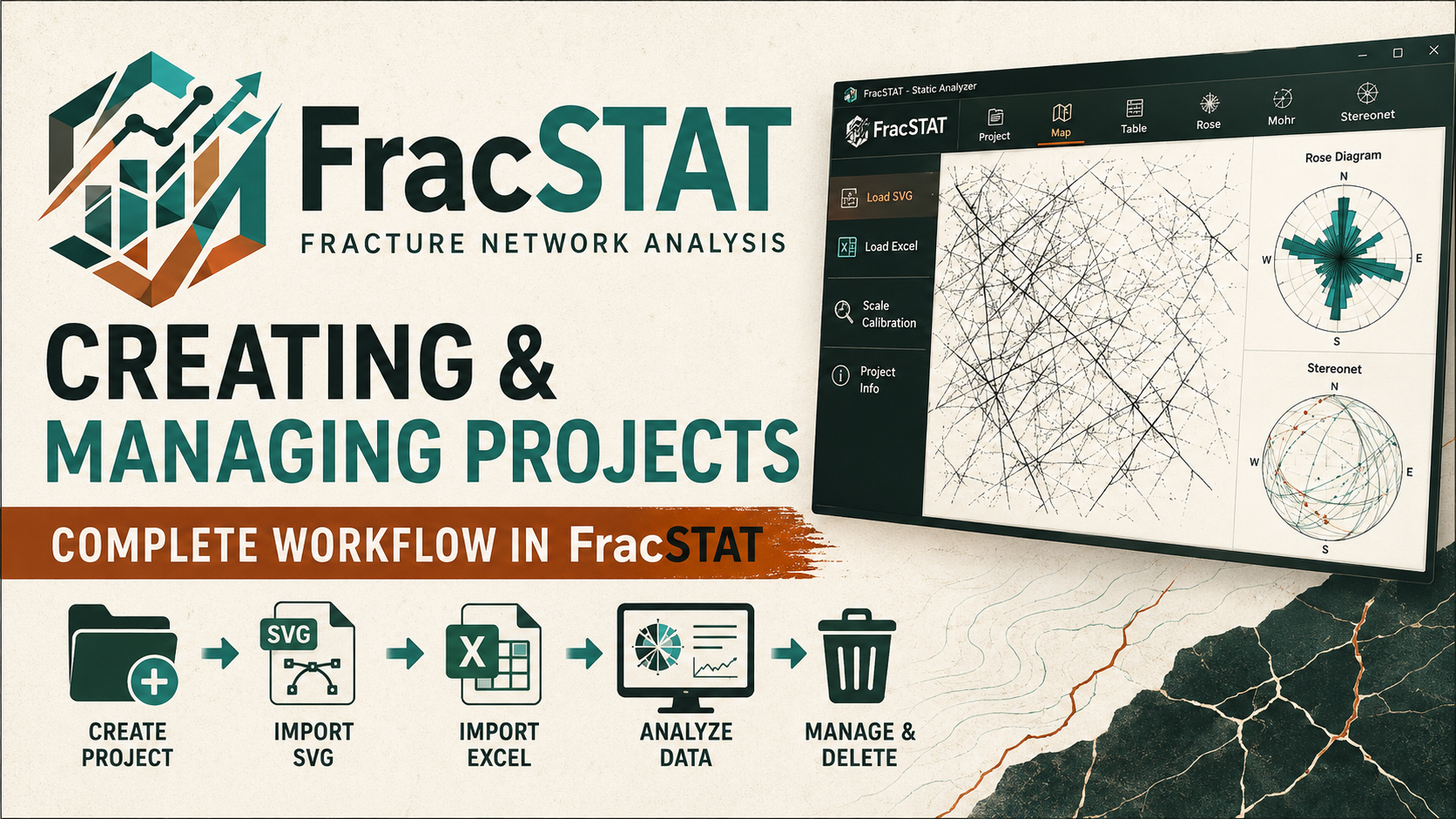
FracSTAT: Creating and Managing Projects
Learn how to create and manage a project in FracSTAT in this step-by-step tutorial. This video demonstrates the complete project workflow, including creating a new project, importing fracture data using SVG and Excel formats, performing scale calibration for SVG data, accessing the Static Analyzer, saving project information, opening and managing existing projects, and deleting a project when it is no longer required.
 6:34
6:34
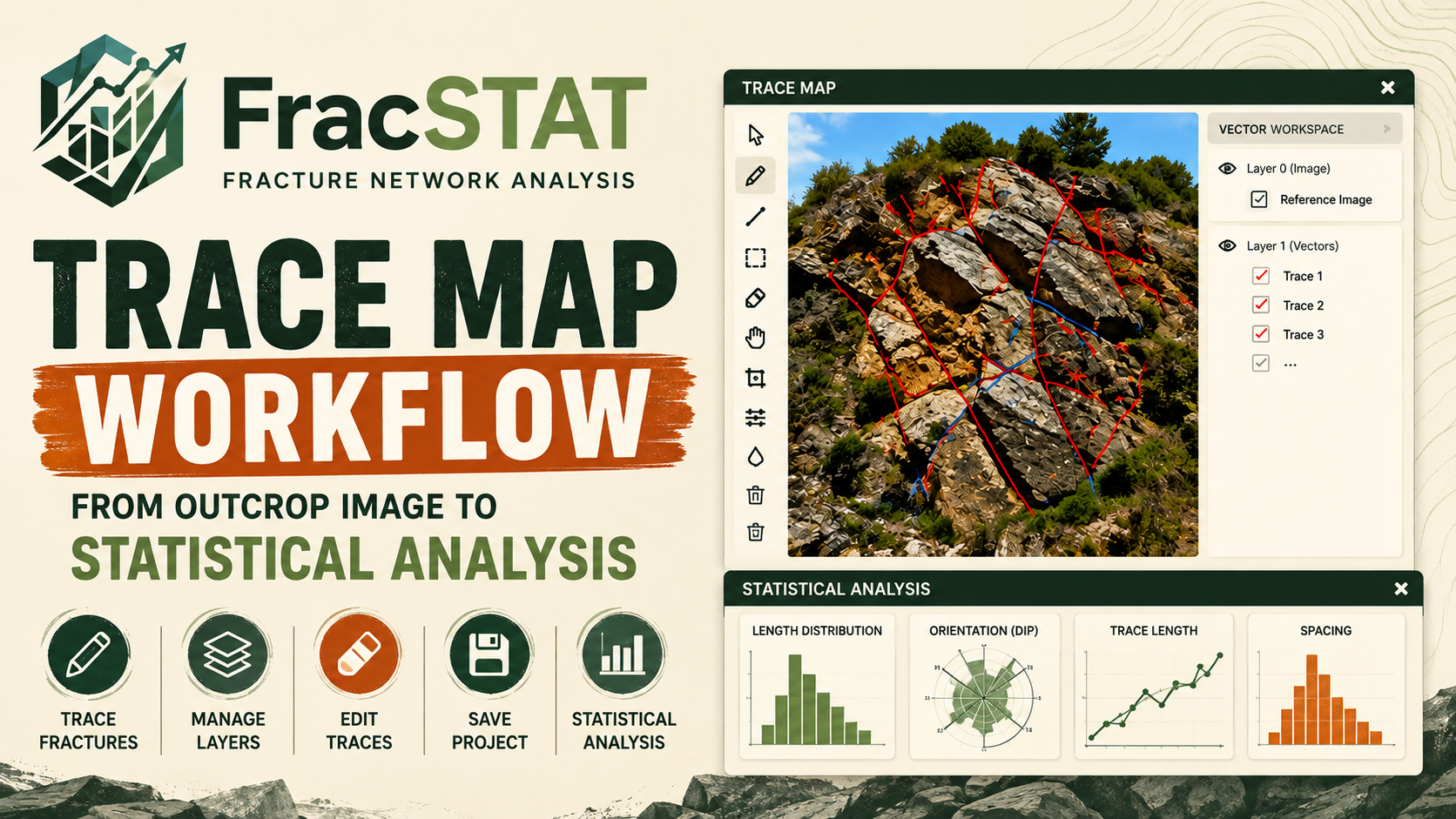
How to Trace Fractures from Outcrop Images in FracSTAT
In this tutorial, I demonstrate the complete Trace Map workflow in FracSTAT, starting with loading an outcrop photograph and manually digitizing visible fractures. I show how to use the tracing tools, edit and manage fracture traces, work with vector layers, save the Trace Map to the FracSTAT project, and return to the Static Analyzer.
 30:05
30:05
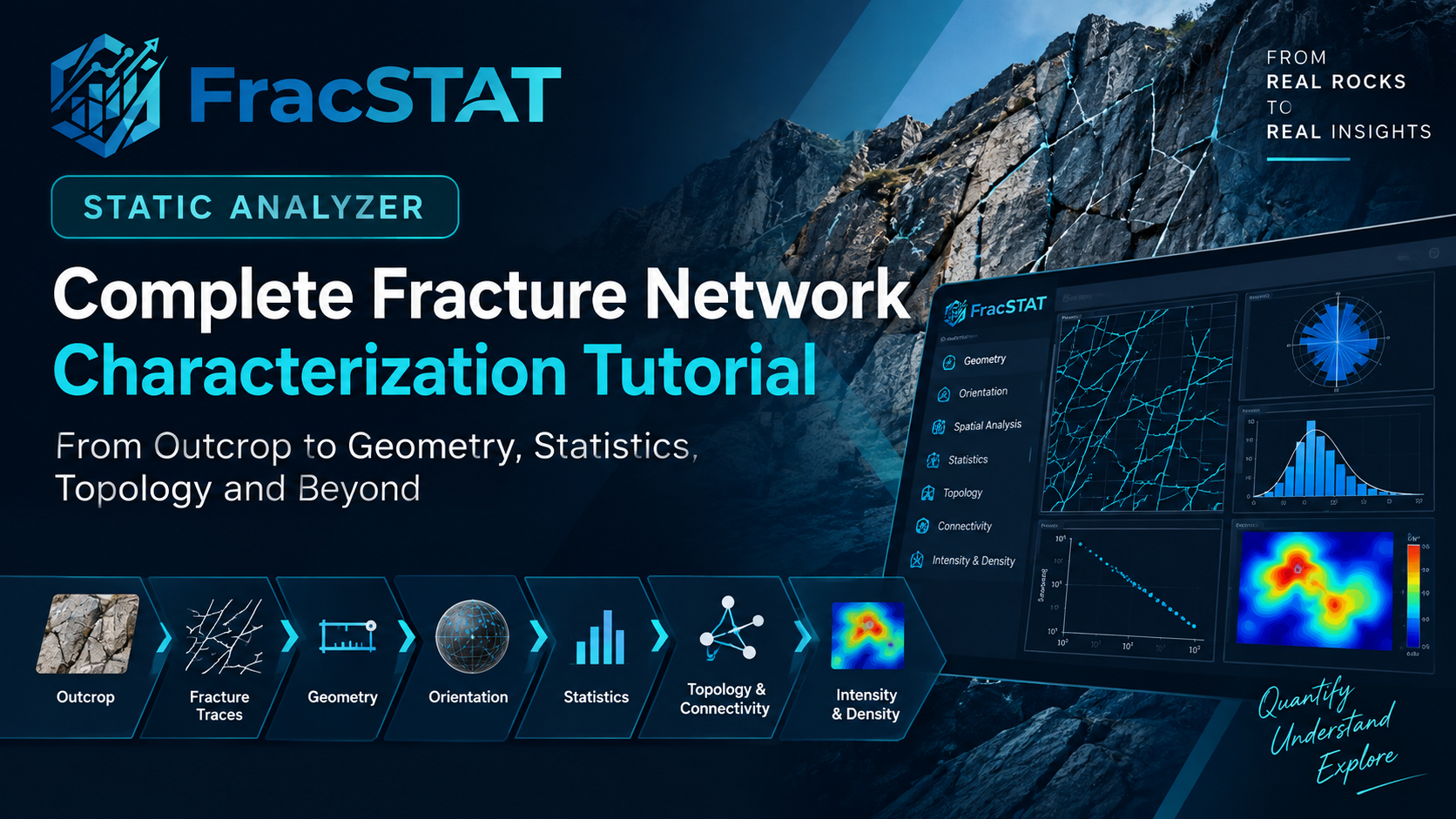
FracSTAT Static Analyzer: Complete Fracture Network Characterization Tutorial
Explore the complete FracSTAT Static Analyzer workflow, from fracture geometry and orientation to topology, connectivity, intensity, density, and statistical characterization of fracture networks.
 12:24
12:24
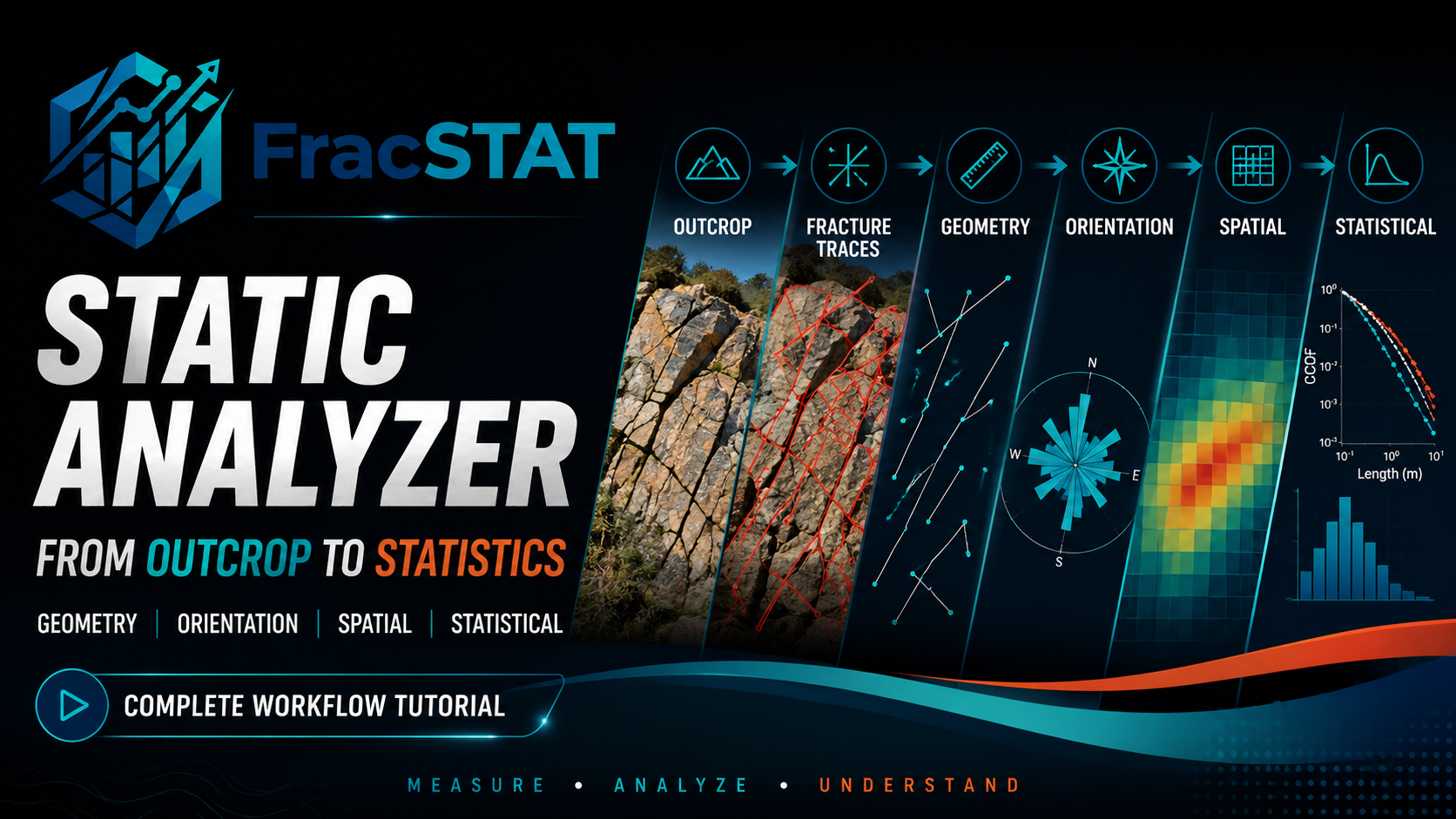
FracSTAT Static Analyzer: From Outcrop to Quantitative Fracture Characterization
In this tutorial, we explore the FracSTAT Static Analyzer workflow, starting from a fractured outcrop photograph and moving through fracture traces, geometry, orientation, spatial characterization, and statistical analysis.
 17:52
17:52
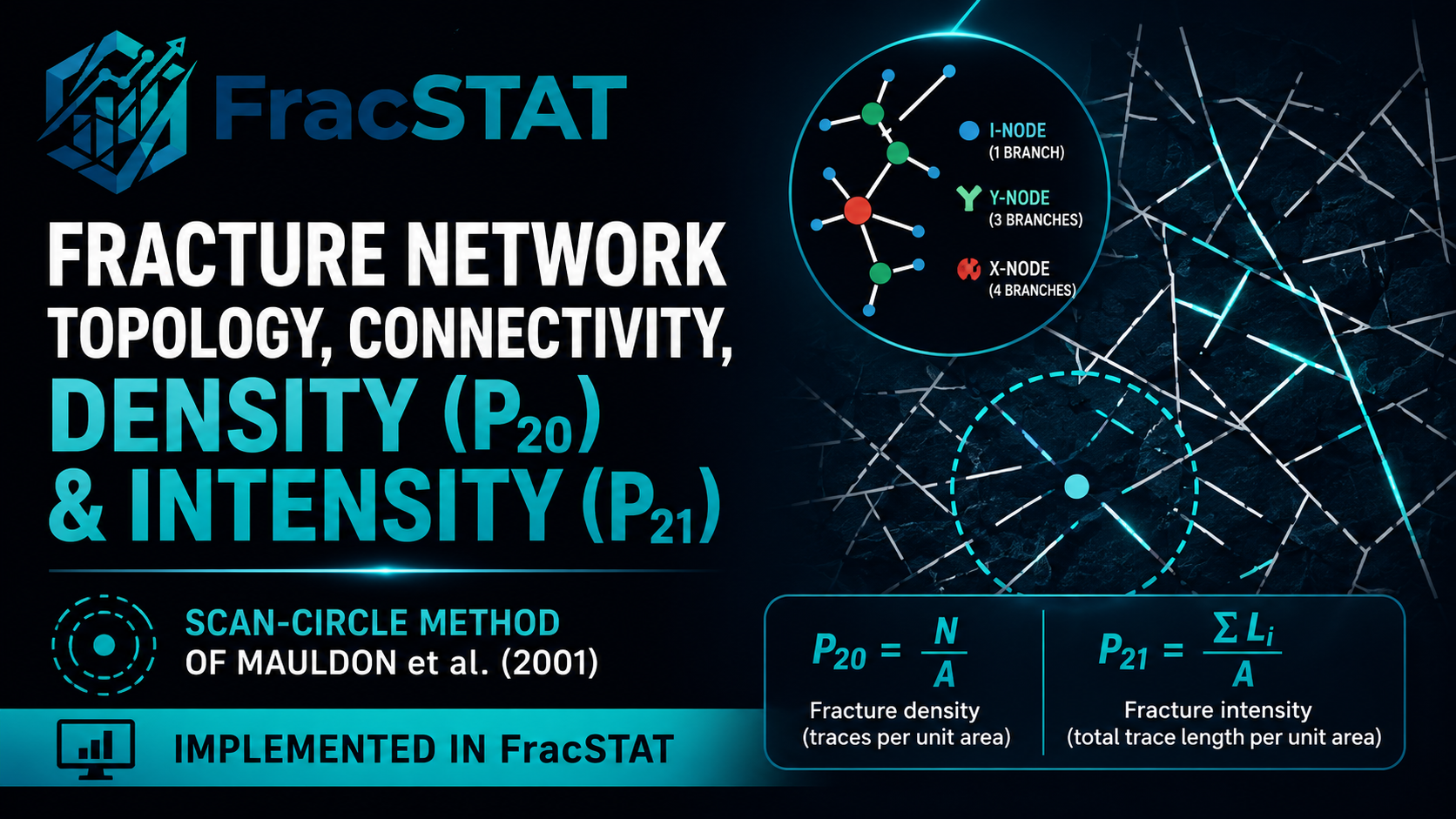
FracSTAT Tutorial: Fracture Network Topology, Connectivity, Density & Intensity | P20, P21
In this FracSTAT tutorial, we explore fracture-network topology and connectivity, followed by fracture density (P20) and fracture intensity (P21).
 16:49
16:49
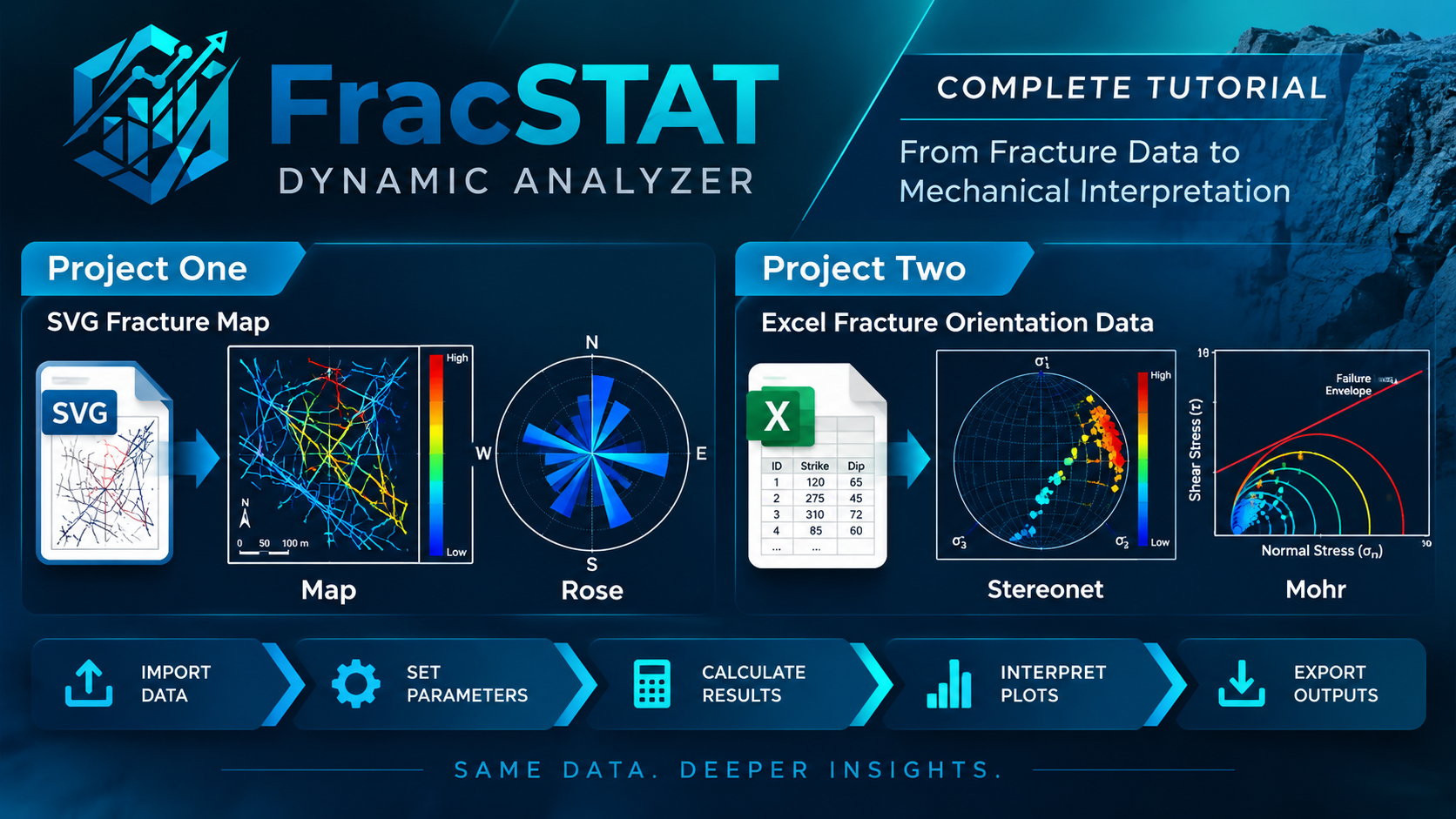
FracSTAT Dynamic Analyzer: Complete Fracture Stability Analysis Workflow
Learn how to use FracSTAT Dynamic Analyzer to analyze fracture networks from SVG maps and Excel orientation data, interpret results using Map, Rose, Stereonet, and Mohr plots, and export the final analysis.
 27:35
27:35
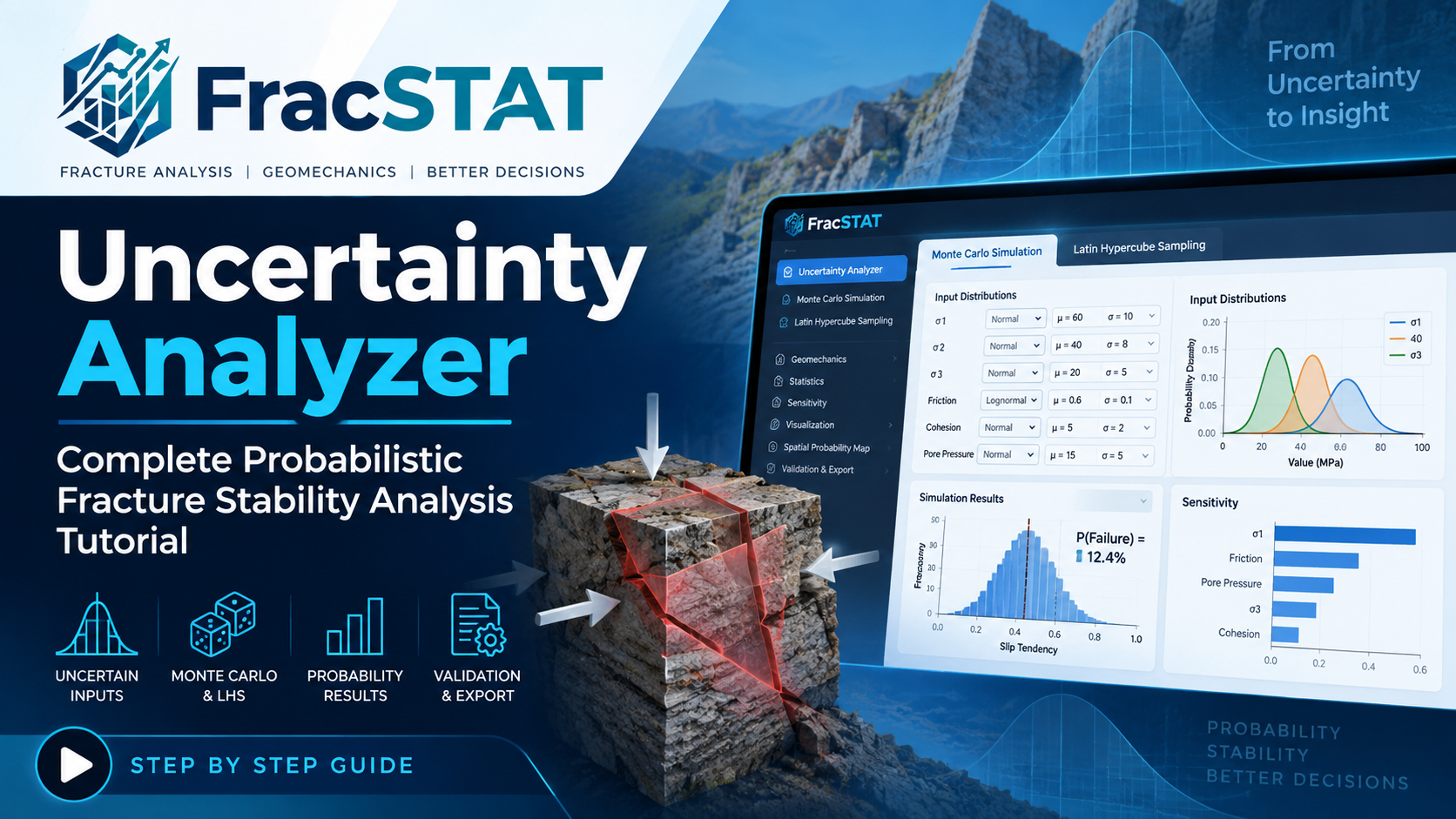
FracSTAT Uncertainty Analyzer: Complete Probabilistic Fracture Stability Analysis Tutorial
Learn how FracSTAT’s Uncertainty Analyzer transforms deterministic fracture-stability calculations into a reproducible probabilistic assessment. This tutorial covers fault-data preparation, Monte Carlo and Latin Hypercube Sampling, uncertain inputs, six analysis modules, convergence validation, sensitivity analysis, spatial probability mapping, and result export.